

Blog
News, resources, and updates about Whisk AI
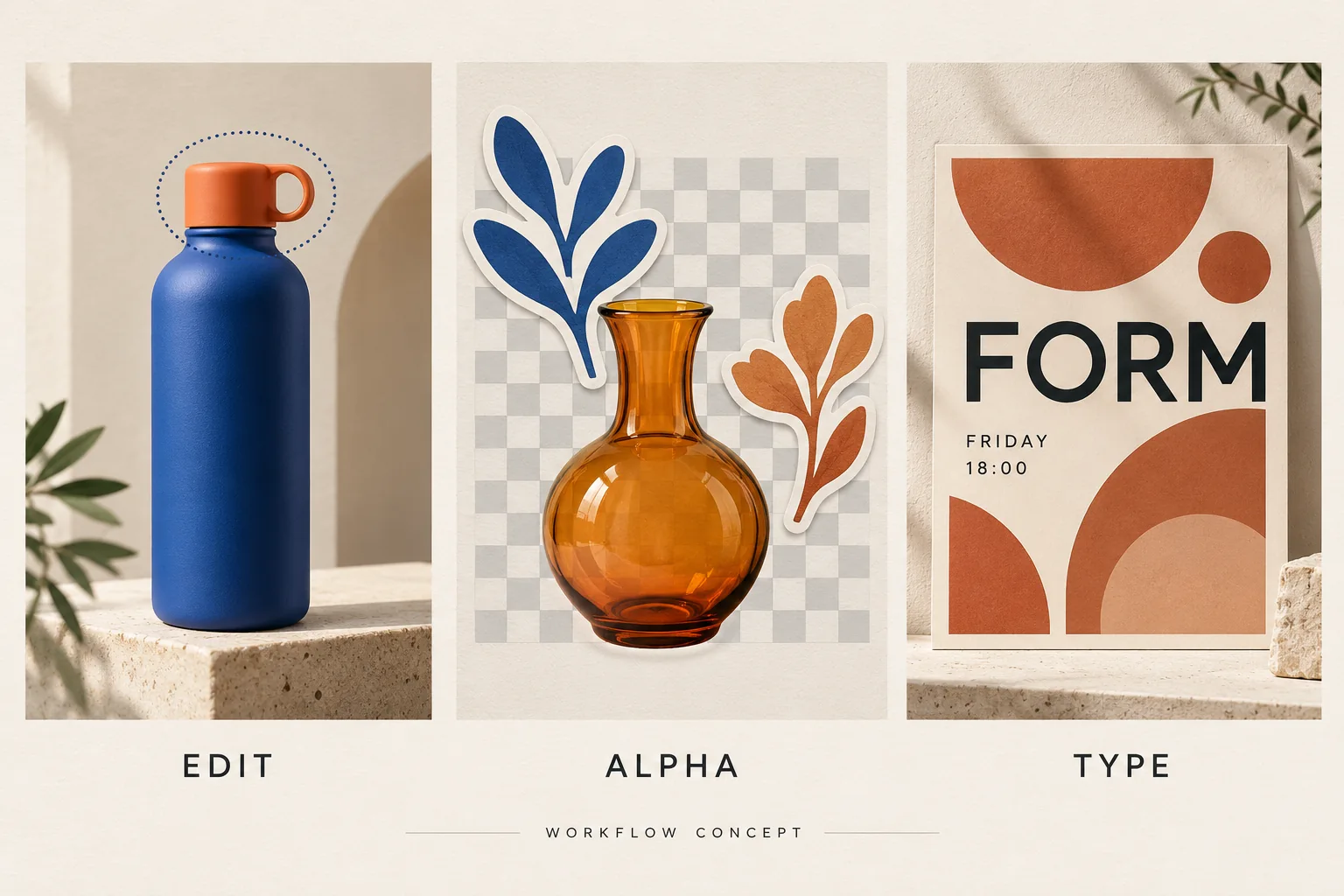
Seedream 5.5 vs GPT Image 2.5: Which Fits Your Image Editing Workflow?
Compare Seedream 5.5 with GPT Image 2.5 Sunburst and Flare for precise edits, transparent assets, and posters, with practical briefs and review criteria.
Read More
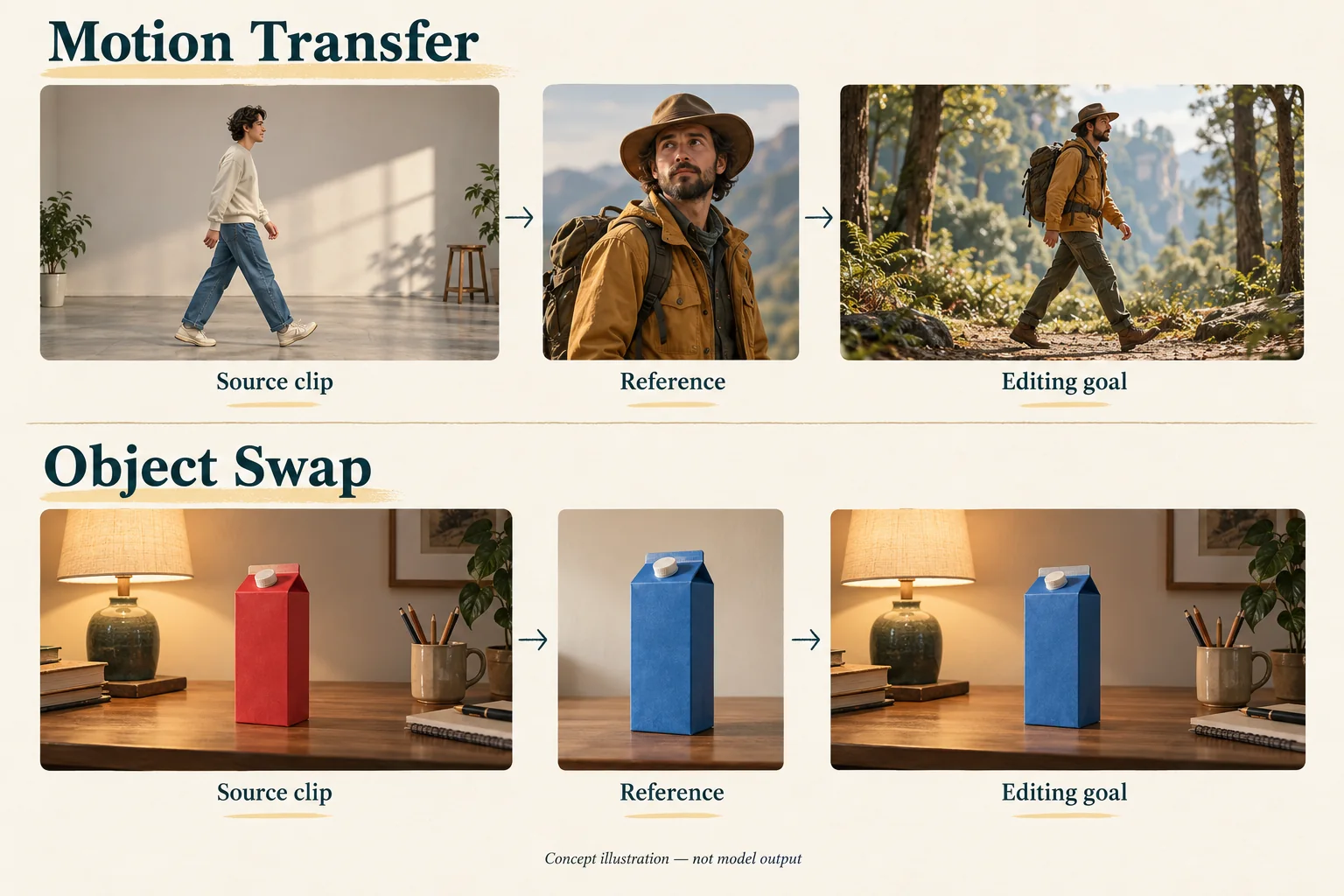
Genjutsu AI Explained: Motion Transfer, Object Swap, and First Steps
Learn what Genjutsu AI does, choose Motion Transfer or Object Swap, prepare your references, and plan your first video edit in Whisk AI.
Read More
Krea 3 Image Editing: Features, Use Cases, and First Steps
Learn what Krea 3 does, which image editing task to try first in Whisk AI, and how to review product details, composition, and usable results.
Read More
How to Edit Product Photos with Krea 3 in Whisk AI
Prepare product references, adapt two Krea 3 editing prompts, and check labels, shape, lighting, and framing before accepting an image in Whisk AI.
Read More
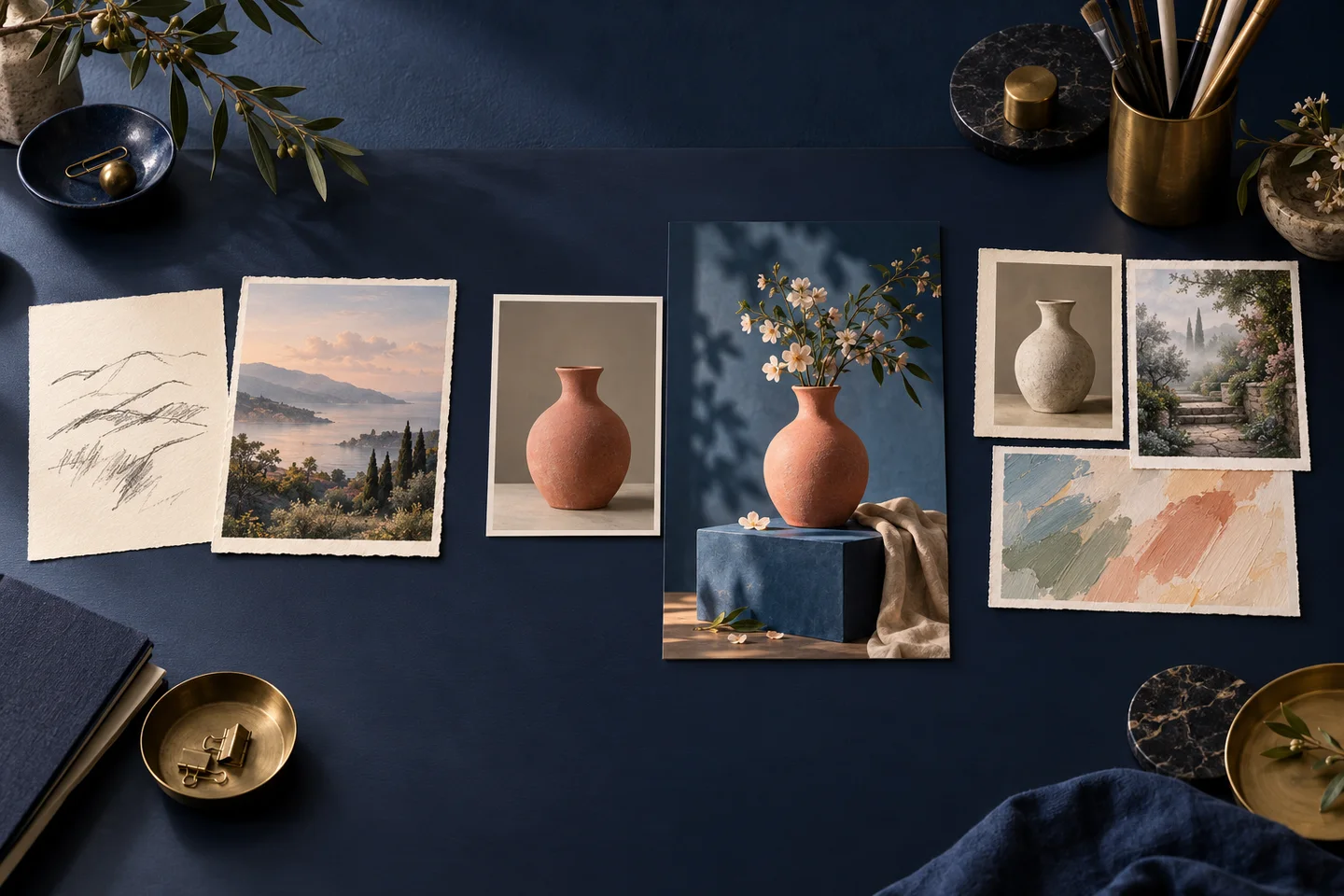
Whisk AI Explained: Tools, Three Image Modes, and Settings
Learn what whisk-ai.io offers, when to use Text-to-Image, Image-to-Image or Whisk, and where to check model, output, batch and tool settings.
Read More
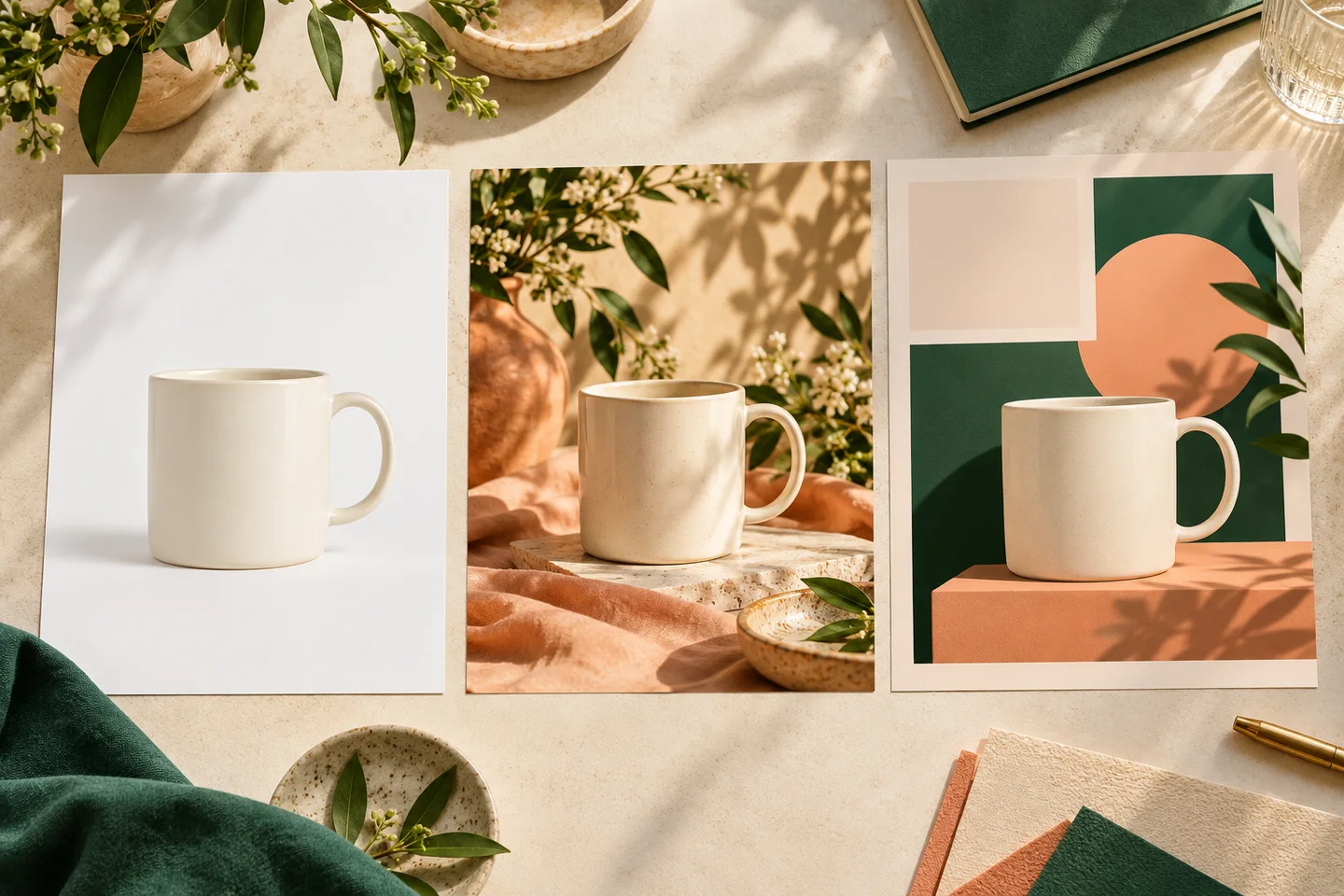
Is Whisk AI Good for Product Photos and Social Media Images? Which Website Should You Use?
Choose Whisk AI, Photoroom, or Canva by task. See a real Whisk scene test, product-accuracy limits, and how to calculate cost per accepted image.
Read More
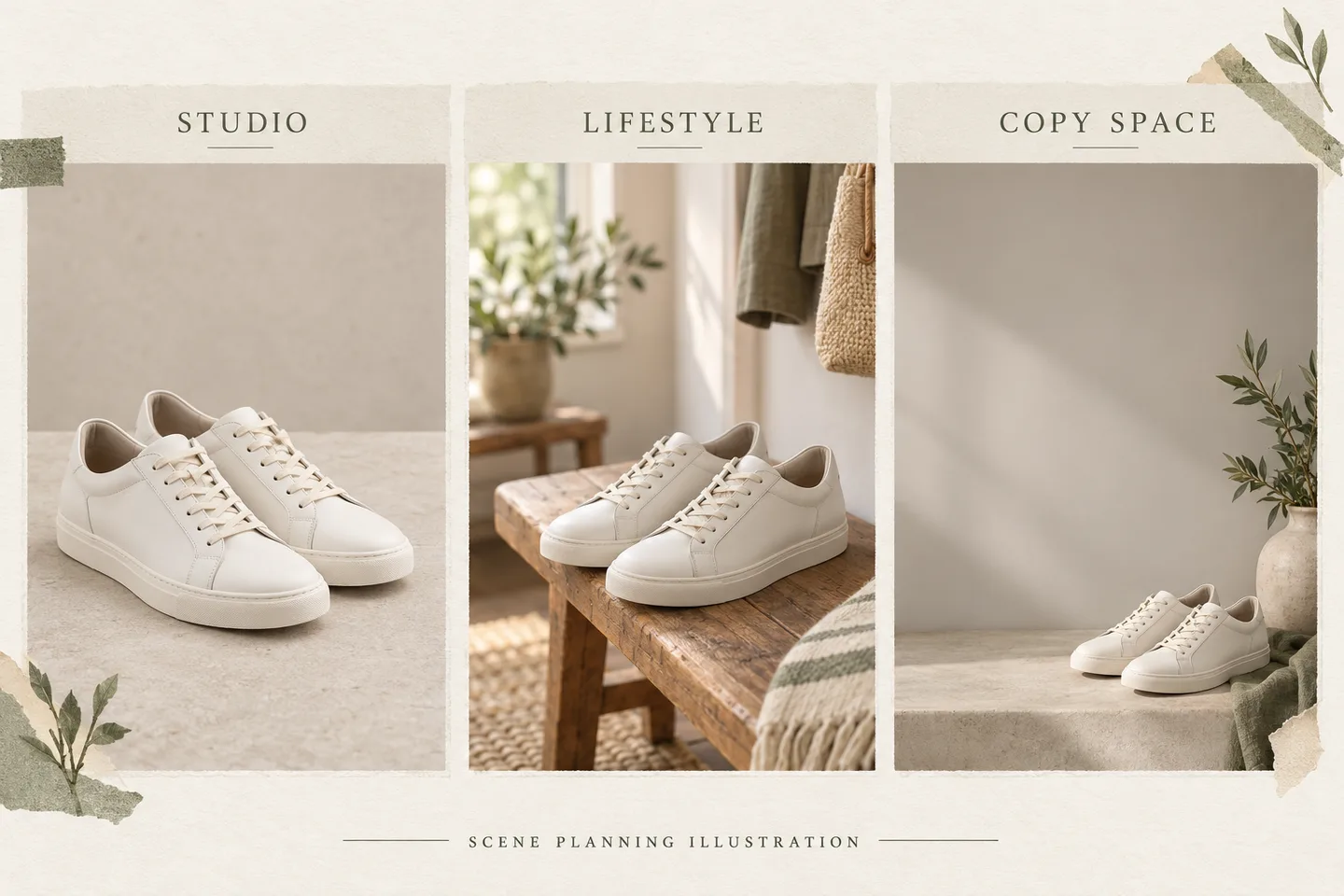
Whisk AI Product Photos: A Three-Scene Test and Workflow
See a three-scene Whisk AI product-photo test with source and output images, prompts, a refunded timeout, an orientation failure, and actual credit costs.
Read More
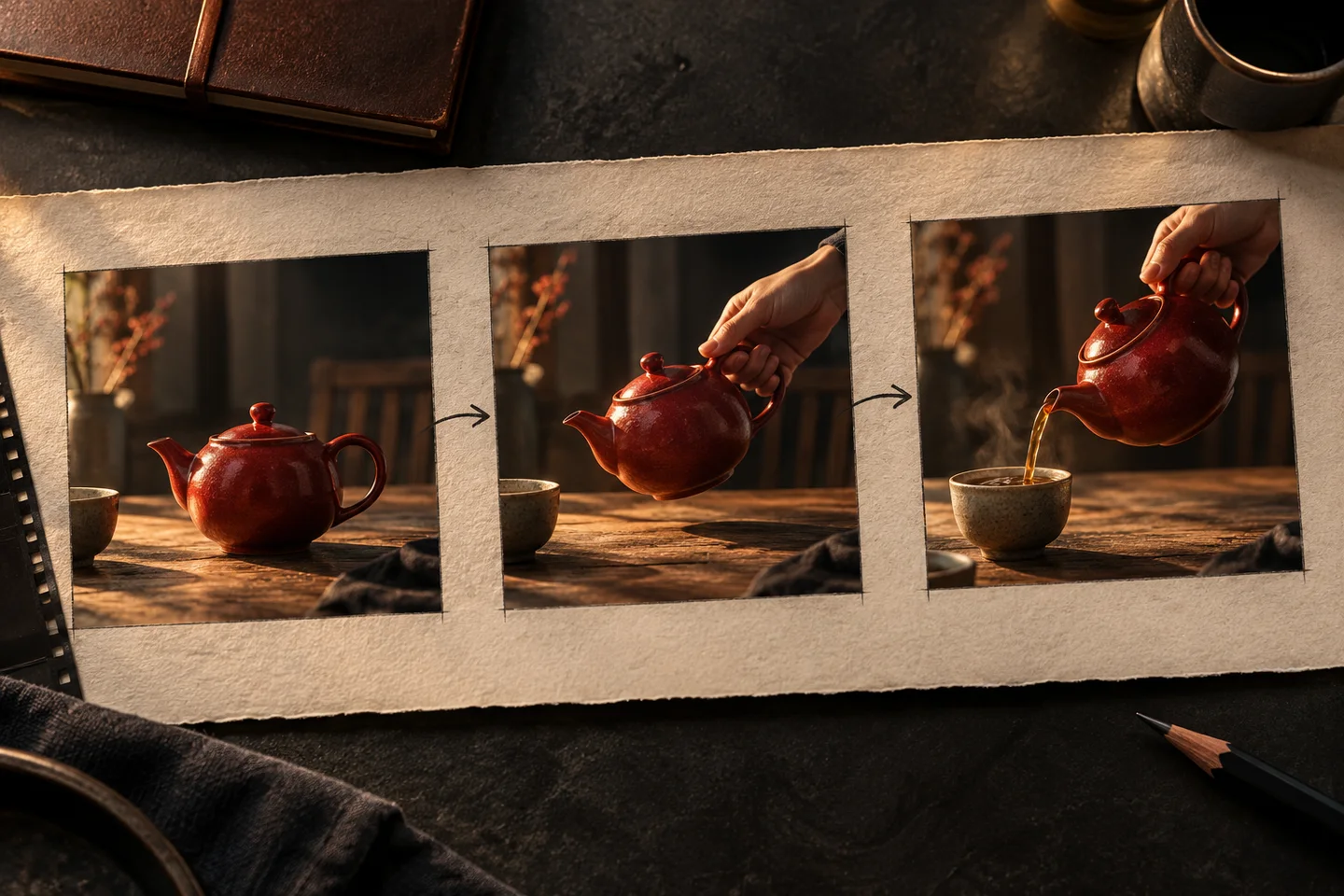
Kling 4: Features, Limits, and What to Try First
Learn what Kling 4.0 changes, how Flash differs, which features are still coming soon, and how to plan your first video test.
Read More
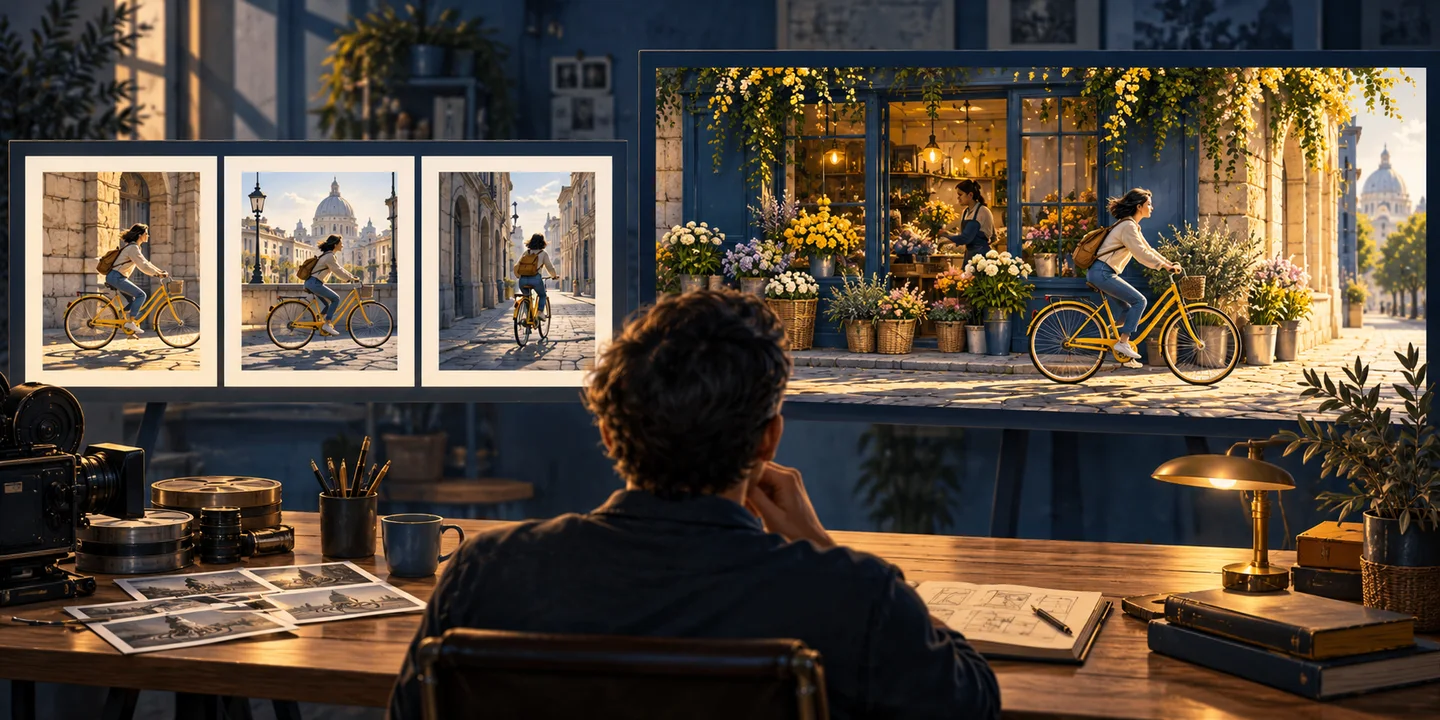
Kling 4 vs Kling 3.0: Which Video Workflow Fits Your Shot?
Compare Kling 4.0 with Whisk AI’s current Kling 3.0 workflow for clip length, keyframes, shot planning, resolution, and cost per accepted clip.
Read More
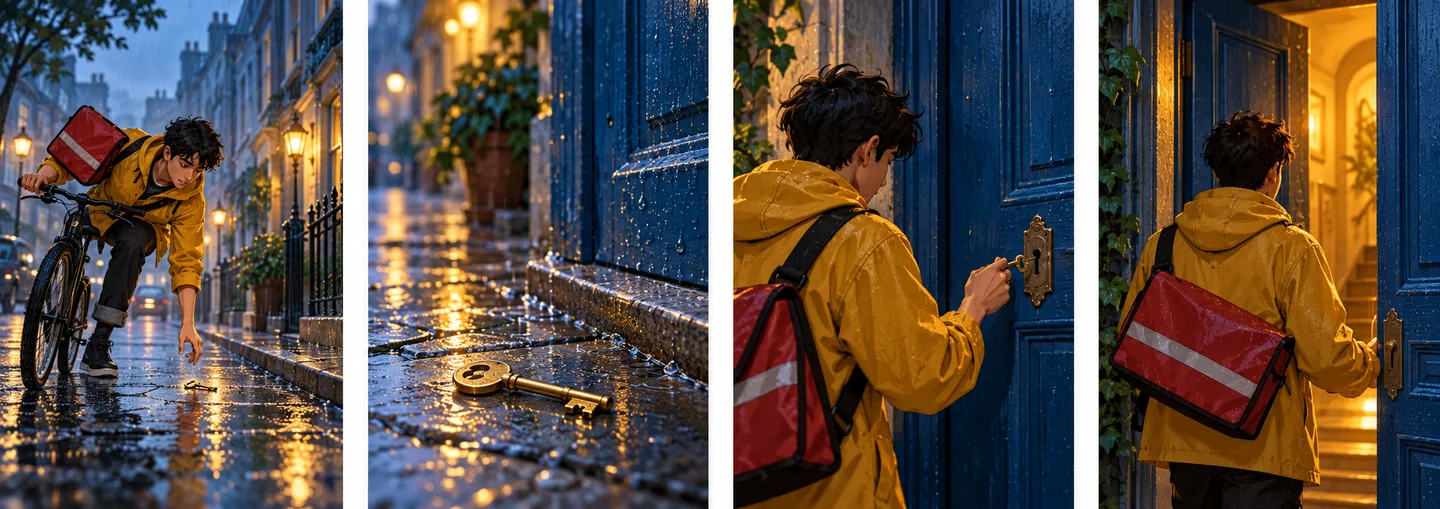
How to Make AI Story Videos with Whisk AI
Make an AI story video with Whisk AI: plan shots, create consistent character images, animate each scene, and edit clips into a short story.
Read More
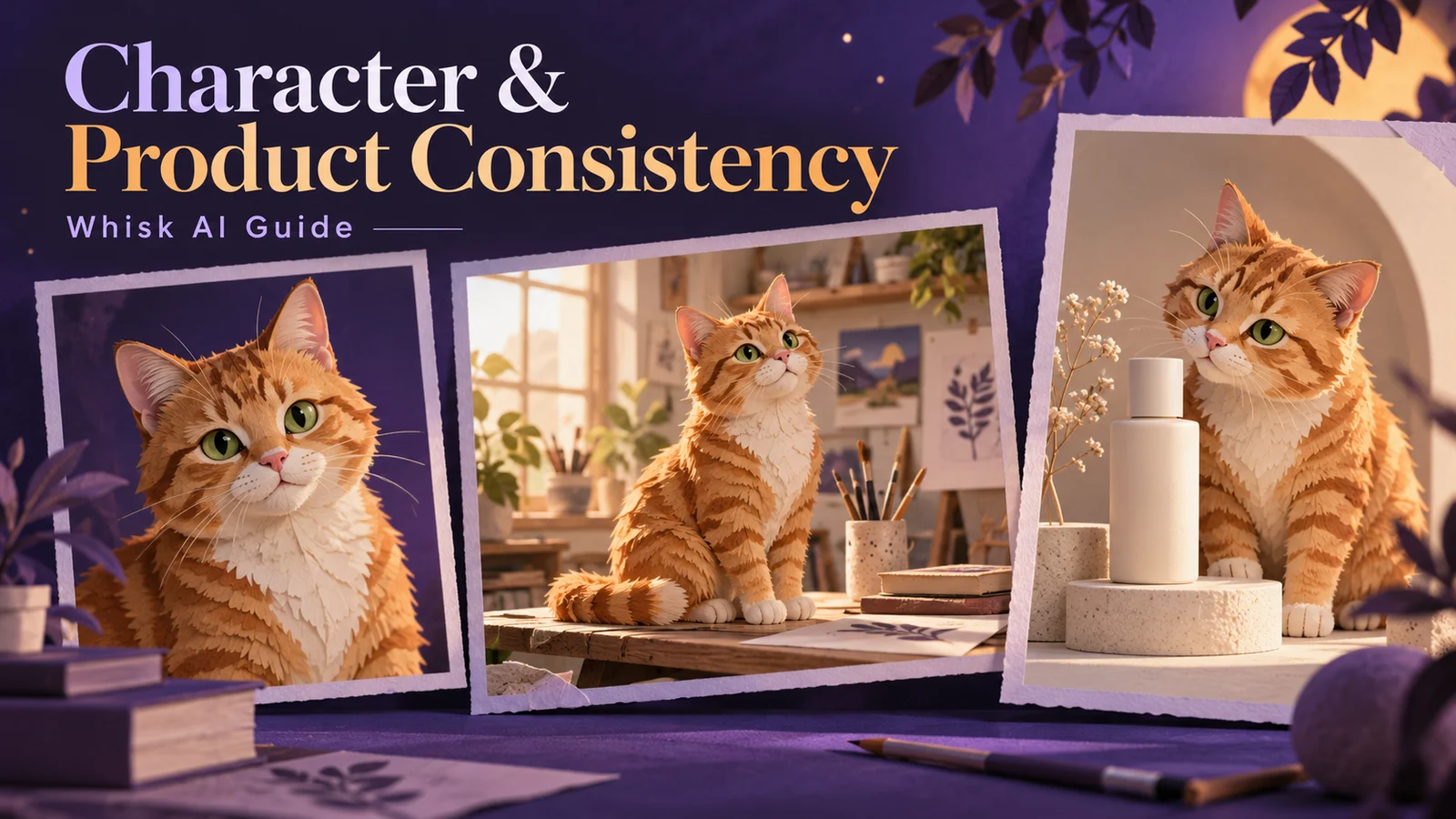
How to Improve Character and Product Consistency with Whisk AI
Keep characters and products consistent with Whisk AI using reference roles, identity anchors, reusable prompts, controlled revisions, and a fixed review scorecard.
Read More
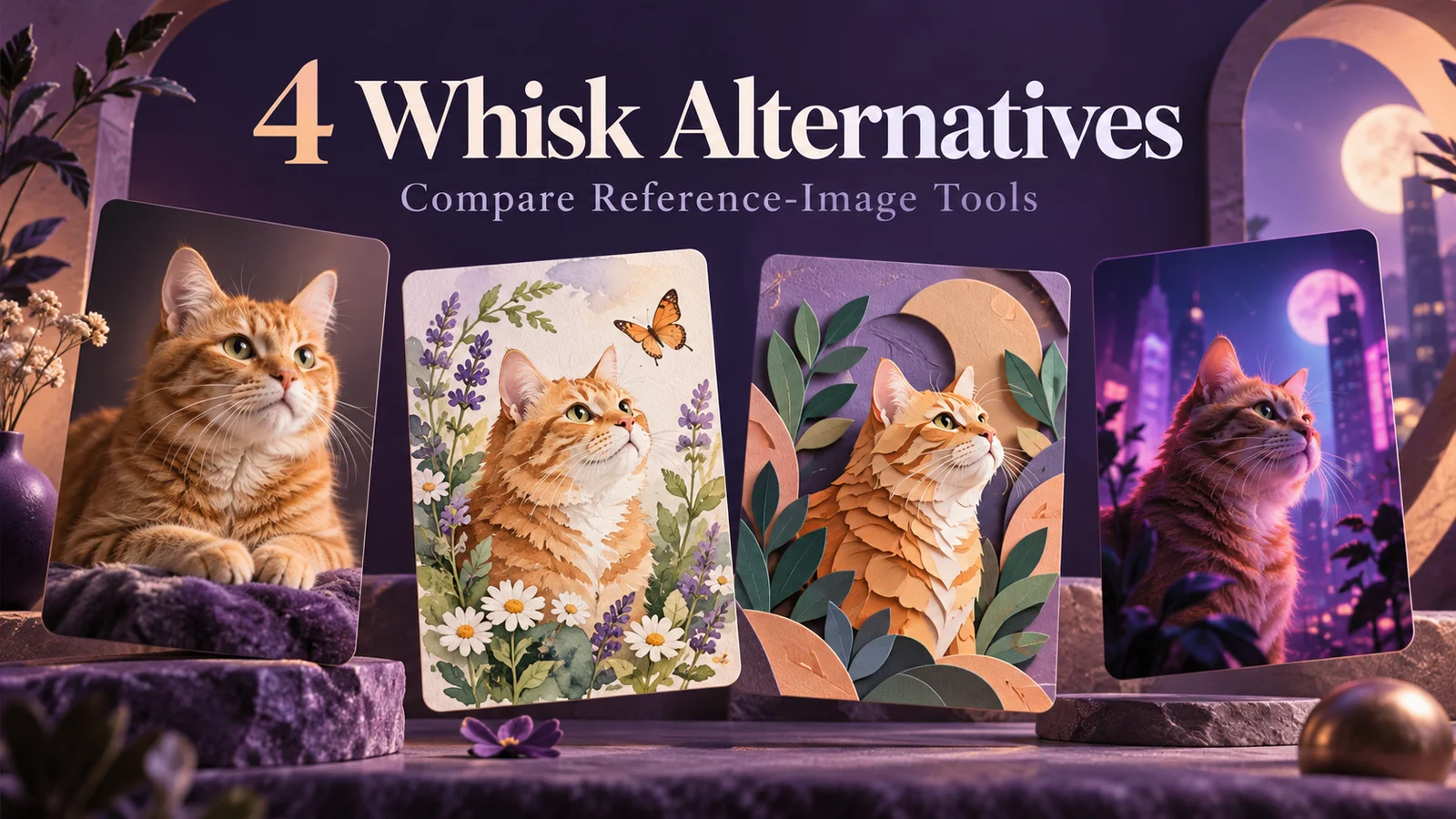
4 Best Google Whisk Alternatives for Reference-Based Creation
See how Whisk AI, Leonardo.Ai, Adobe Firefly, and Midjourney compare for replacing Google Whisk reference-image workflows.
Read More
ArtCraft vs Photoshop vs Whisk AI: Which Tool Fits Your Image Workflow?
Compare ArtCraft PhotoCraft, Photoshop, and Whisk AI for image creation, precise editing, pricing, and editable files. Find the right fit for your workflow.
Read More
Nano Banana 2.1 vs Nano Banana 2: What Changed?
Compare Nano Banana 2.1 vs Nano Banana 2 for posters, product accuracy, character consistency and wide banners, with prompts and a practical cost checklist.
Read More
Using Nano Banana 2.1: Why Whisk Is a Good Fit for Everyday Creation
A detailed Whisk workflow with reference-image tips, four adaptable prompts, credit planning and troubleshooting, plus the current Nano Banana 2.1 access status.
Read More

Google Whisk AI: How to Create Stunning Image Remixes Without Writing a Single Prompt
Most AI image generators ask you to describe what you want in words. Write a detailed prompt, hope the AI understands, tweak the wording, try again. For many creators — especially those who think visually — this feels backwards.
Read More