

GPT Image 2.6 vs GPT Image 2.5: Which Should You Choose?
For a new image project, start by testing GPT Image 2.6. Choose Flare when you need to explore ideas quickly, and Sunburst when the result depends on fine detail, layout, or precise edits. Keep GPT Image 2.5 in an established workflow until 2.6 produces a practical improvement on your own images.
That is our recommendation for creators comparing GPT Image 2.6 vs GPT Image 2.5: use the newer generation as your starting candidate, then let the deliverable decide whether to switch.
You can work with both models in Whisk AI’s image workspace. Bring one real creative brief, use the same source images, and compare the outputs you would actually publish. Available settings and the credit estimate shown for your job determine the options and cost.
Sources checked November 5, 2026. This is a comparison based on official documentation, with a proposed evaluation method—not a recorded head-to-head benchmark.
The quick comparison
OpenAI announced Images 2.6 on November 4, 2026. Articles written before that date may still describe it as an unreleased model. The release includes both Sunburst and Flare. Source: OpenAI announcement.
| Decision | GPT Image 2.6 | GPT Image 2.5 |
|---|---|---|
| Starting a new workflow | Our first candidate to evaluate for new work | Useful as a baseline if you already have successful prompts and outputs |
| Fast exploration | Flare is positioned for interactive generation and editing | Flare remains the speed-focused option within 2.5 |
| Detailed final assets | Sunburst is positioned for detailed compositions and editing | Sunburst is an established option for precision-focused workflows |
| Control over planning | Adds a documented complexity setting, separate from quality | Do not assume the newer complexity control applies to 2.5 |
| Markup-guided editing | Supported through the Image API | Also documented for supported 2.5 models; not an exclusive 2.6 advantage |
| SVG and animated GIF | Documented generation outputs for 2.6 | The cited 2.5 model pages do not establish equivalent output support |
| Existing approved campaign | Test before moving the remaining work | Keep if its results already meet the campaign’s requirements |
| Price comparison | Measure credits or actual usage per accepted result | Use the same measure, including rejected attempts |
The model roles come from the 2.6 Sunburst, 2.6 Flare, 2.5 Sunburst, and 2.5 Flare documentation. Output formats and editing controls are described in the image generation guide. These are model/API capabilities; use the controls actually offered in Whisk AI for your task.
Where GPT Image 2.6 is worth trying first
You spend too much time waiting between ideas
If you are making campaign concepts, thumbnail directions, or several product-image compositions, shorter waits can make the creative session more productive. Start with 2.6 Flare and judge how quickly you reach a usable direction.
OpenAI reports 50% faster generation for Images 2.6 and says Flare can generate in as little as six seconds at low quality. Treat those as vendor claims with conditions, not a promised turnaround time in Whisk AI. Your dimensions, settings, queue, and repeated attempts affect the experience. Source: release announcement.
For exploration, define a small output: three distinct compositions with the same product and audience. Reject a fast result if all three images repeat the same idea. Speed is useful when it gives you more usable options.
Your image needs to survive several edits
A product image may look good after a background change, then lose label accuracy when you adjust the lighting. A character may keep its outfit while its face drifts. The final image matters more than an attractive intermediate step.
OpenAI positions 2.6 Sunburst for higher-quality results and stronger consistency across edits at medium or high quality. That makes it a sensible candidate for demanding product and character work, but it does not establish perfect preservation. Source: release announcement.
Try it on the edit that currently causes the most rework. For packaging, inspect the cap shape, bottle proportions, label text, and contact shadow. If 2.5 already preserves all of them, the upgrade needs to offer another benefit to justify changing the workflow.
You need a different kind of deliverable
The 2.6 documentation includes SVG and animated GIF generation. A scalable illustration or a short looping character animation is a different requirement from a static product photograph.
There are boundaries: the documented SVG and GIF outputs belong to generation, not the image-edit endpoint. SVG production also has an additional authoring cost component. Check the delivery format your tool offers before planning work around it. This article does not claim that Whisk AI exposes every API output format. Source: image generation guide.
For ordinary static images, those extra formats need not influence your choice at all.
When keeping GPT Image 2.5 makes sense
Keep 2.5 when you have approved references, reliable prompts, and a production deadline that leaves little room for revalidation. A model change can require another review of style, proportions, text, and consistency—even when the newer model is more capable overall.
Imagine a shop halfway through preparing a seasonal catalog. Twenty images already share the same framing and background. Switching the remaining ten is useful only if they still belong to the same set. In that situation, finish the approved workflow and test 2.6 on the next campaign.
There is also no reason to rebuild a simple workflow solely because of a version number. If 2.5 gives you acceptable social graphics with little rework, compare the time and credits required to reach the same standard in 2.6. Keep whichever meets that standard more reliably for the job.
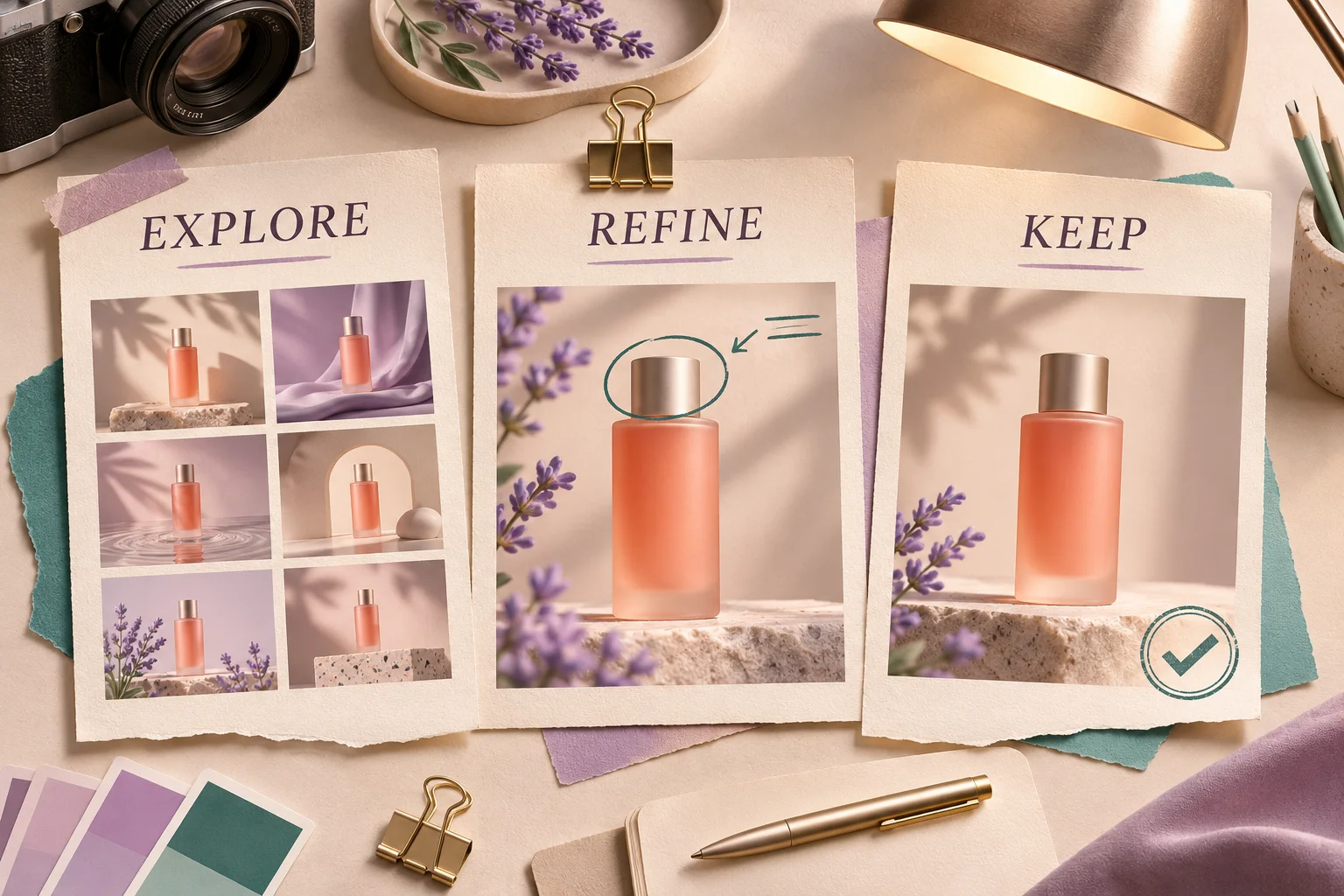
Original conceptual illustration of three workflow decisions: explore, refine, or keep an approved result. It is not a model-output comparison or a Whisk AI interface screenshot.
Choose the generation, then choose Flare or Sunburst
“2.6 or 2.5?” is only the first question. The variant matters too.
For a fair initial comparison, pair 2.5 Flare with 2.6 Flare, or 2.5 Sunburst with 2.6 Sunburst. Comparing an older speed-focused variant against a newer detail-focused one changes two variables at once.
OpenAI’s prompting guide recommends Flare for response-time priorities and Sunburst for demanding visual requirements. It also recommends testing the corresponding variant when migrating an existing 2.5 workflow.
For creators, our practical rule is:
- Many directions to explore: start with Flare and check whether the options are usable.
- A difficult final image to approve: start with Sunburst and inspect the critical details.
- A Sunburst result that already meets the brief: test Flare on the same brief if turnaround time matters.
If your Whisk AI model selector uses a single version label, use that available choice; this comparison does not imply a separate Flare/Sunburst switch in the interface.
Quality and complexity solve different problems
In 2.6, quality concerns visual rendering, while complexity controls planning before rendering. The documented complexity levels are low, medium, and high; omitting the field defaults to high. Source: prompting guide.
A small background edit and a crowded diagram do not necessarily benefit from the same settings. Where the control is available, compare lower complexity for a focused change. Keep other settings fixed so you can tell what helped. Higher complexity can add latency and unwanted changes. Source: image generation guide.
If the interface does not expose complexity, focus on a clear brief: name the change, identify its location, and list what must stay the same.
Which one costs less?
The four model pages list the same standard token rates: $5 per million text-input tokens, $8 per million image-input tokens, and $30 per million image-output tokens. Those are API rates, not Whisk AI credit prices, and they do not establish an equal cost per image. Sources: 2.6 Sunburst, 2.6 Flare, 2.5 Sunburst, 2.5 Flare.
For your work in Whisk AI, use:
Credits per accepted image = all credits spent on the task ÷ images you can actually use.
For example, spending 40 credits to obtain eight approved images means five credits per accepted image. Spending 30 credits to obtain only three means ten. These are hypothetical numbers illustrating the calculation, not model prices or measured results.
Use the displayed estimate before generating and include unsuccessful attempts in your record. If time matters, track minutes spent reviewing and correcting images alongside credits. A lower generation cost can disappear after repeated manual fixes.
A small comparison you can run in Whisk AI
Use one real deliverable with clear rejection criteria. For a product edit, start with a photograph of a bottle and request one change:
Change only the bottle cap from silver to matte charcoal. Preserve the bottle silhouette, proportions, label text, camera angle, background, and contact shadow. Keep the bottle body and lighting unchanged. Do not add objects or lettering.
This is an original test brief, not a claim about either model’s output.
Open Whisk AI’s image workspace and run the brief with each model. Use the same original photograph, wording, aspect ratio, and comparable available output settings. Record any setting differences instead of assuming the comparison is identical. Make at least three attempts per candidate as a small practical screening exercise; it is not enough to establish a universal ranking.
| Check | Accept the image when… | Reject it when… |
|---|---|---|
| Requested change | Only the cap has the requested finish | The bottle body or background also changes |
| Product identity | Outline, proportions, and label remain faithful | The image depicts a subtly different product |
| Text | Every required character is correct and legible | Attractive lettering contains mistakes |
| Lighting | Cap highlights and contact shadow fit the scene | The edit appears pasted on or the product floats |
| Delivery | The file meets your required dimensions and format | It needs an unavailable export or further repair |
Record accepted images, total credits, wait time, and manual correction time. If editing sequences matter, repeat a second controlled change and inspect both stages. Keep the original source for every candidate.
Our GPT Image 2.6 editing guide offers a focused editing exercise. For a comparison beyond the GPT Image family, see Seedream 5.5 vs GPT Image 2.5.
The choice for your next project
Start a new workflow with GPT Image 2.6 as the first candidate: Flare for rapid exploration, Sunburst for demanding final assets. Keep GPT Image 2.5 when it already meets your requirements and switching has not demonstrated a benefit.
For an existing campaign, the strongest reason to upgrade is a concrete improvement: fewer damaged labels, fewer unwanted changes, a needed output format, or less time and cost per approved image.
Try your next brief in Whisk AI with one source image and a short acceptance checklist. Choose the result that meets the brief consistently.