


Heart pose
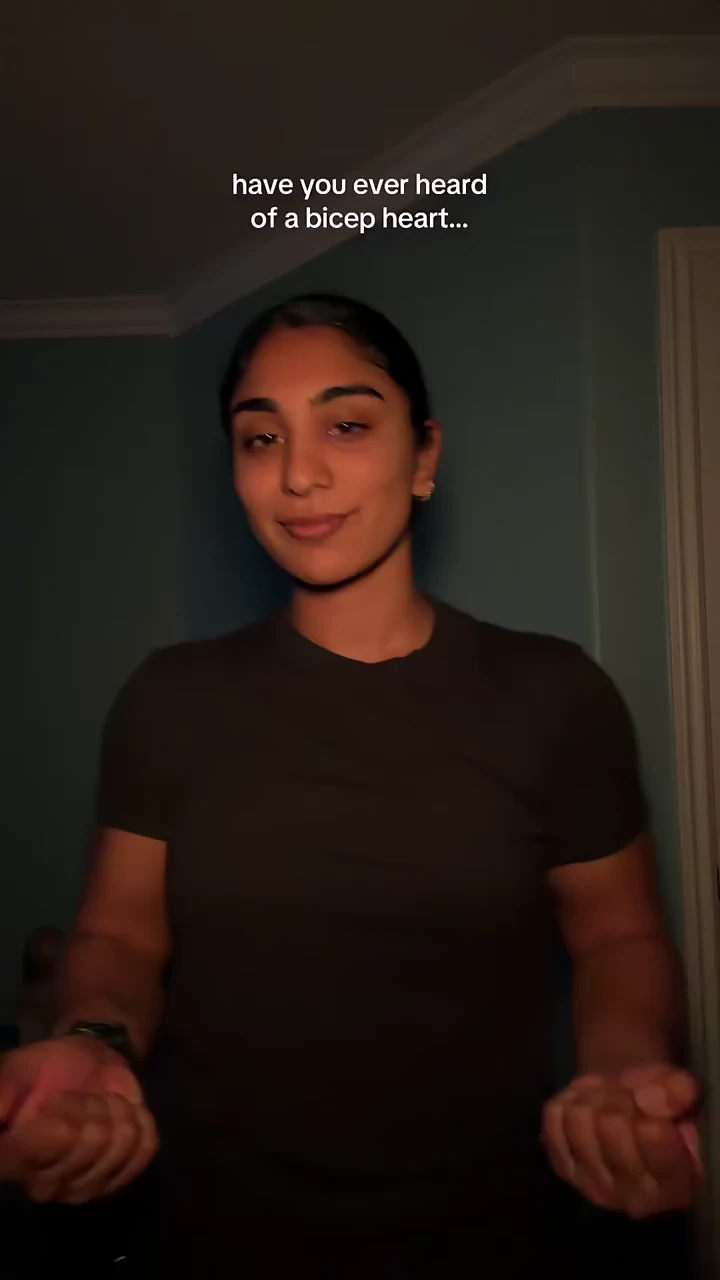
Bicep Heart AI Video Generator
Turn one photo into an arm-heart video. Music included, no prompt needed.
12s · 250 credits
Use template
Configure your model, prompt, and video output
Choose a template, preview the effect, and make it your own with a photo.
Explore stunning AI-generated videos created by our community
Create videos from text, images, video references, or audio references using the model that fits your workflow. Seedance 2.5 offers 4–30-second clips at up to 1080p; available inputs and settings vary by model.

Professional video workspace with real-time AI generation, timeline editing, and multi-scene composition.

A golden sunset over ocean waves, cinematic camera slowly panning across the horizon with volumetric light rays.

Upload any photo and watch it come alive with smooth animation, realistic physics, and professional lighting effects.
Type a prompt and watch our AI video generator transform your words into fluid, cinematic video clips with natural motion and vivid detail.
Seedance models accept image, video, and audio references, or a separate first/last-frame mode. Use reference media to guide the result, or frames to define how a clip begins and ends.
Our AI video generator features an intuitive prompt-first workflow. Simply describe what you want and get professional results instantly.
Generate videos in 16:9 landscape or 9:16 portrait format—perfect for YouTube, TikTok, Instagram Reels, and any social platform.
Choose 480p, 720p, or 1080p where supported. Seedance 2.0 and 2.5 support up to 1080p; Kling 3.0 also offers 4K. Available resolutions and estimated credits update with your model and settings.
Describe the scene, motion, and mood you want. The AI video generator understands natural language to create exactly what you envision.
Choose a model and input mode, then add supported image, video, or audio references. In Seedance, first/last frames use a separate mode and cannot be combined with reference media.
Set the duration, resolution, aspect ratio, and other options available for your model. Review the updated credit estimate before generating.
Click generate and receive your AI video in minutes. Download the MP4 file ready for editing, publishing, or sharing.
Create compelling marketing videos, product demos, and promotional content with our AI video generator—no film crew needed.
Use the AI video generator to produce animated shorts, music visualizers, concept art in motion, and original creative content.
Generate clear, engaging educational videos for courses, tutorials, onboarding, and knowledge sharing with AI-powered video creation.
An AI video generator creates video clips from prompts and supported reference media. Whisk AI provides multiple video models with text, image, video, audio, and keyframe workflows; the available inputs depend on the model and mode you select.
Seedance 2.0 and 2.5 support 480p, 720p, and 1080p. Seedance 2.0 Mini and G support 480p and 720p. Kling 3.0 supports 720p, 1080p, and 4K; Kling Motion Control supports 720p and 1080p. Select a model to see its available resolutions and updated credit estimate.
No experience needed. Our AI video generator uses a simple prompt-based interface—just describe what you want and the AI creates it. Preview and iterate instantly.
Yes. Videos created with our AI video generator are yours to use commercially, including for marketing, advertising, social media, and content creation.
Most 480p videos generate in under two minutes. 720p HD videos take slightly longer but are perfect for professional publishing and distribution.
Inputs vary by model. Seedance supports image, video, and audio references, or a separate first/last-frame mode; these modes cannot be combined. A last frame requires a first frame, and Seedance 2.0 and Mini require an image or video alongside audio references. Kling Motion Control uses a character image and a motion reference video. Generated videos can be downloaded as MP4 files.
Seedance 2.5 supports 4–30 seconds, while Seedance 2.0 and Mini support 4–15 seconds. Other models have different ranges or use a reference video’s duration; check the duration control after selecting a model and input mode.
The estimate depends on the selected model, resolution, duration, audio options, and number of videos. For Seedance, the duration of reference videos also contributes to the cost. Review the updated credit estimate before generating.
Join thousands of creators using our AI video generator to produce stunning videos. From text to cinematic video in minutes—no editing skills required.